The player for the playlists you already have.
Add your M3U link or Xtream login once. Velio turns it into a fast, clean guide for live TV, films and series on your TV, phone and PC.
- 7 days free on every device, no card needed
- Works with any M3U or Xtream playlist
- Then €7 a year or €15 once
Runs on
- Android TV & Google TV
- Amazon Fire TV
- Android phones & tablets
- Windows 10 & 11
See it before you install it
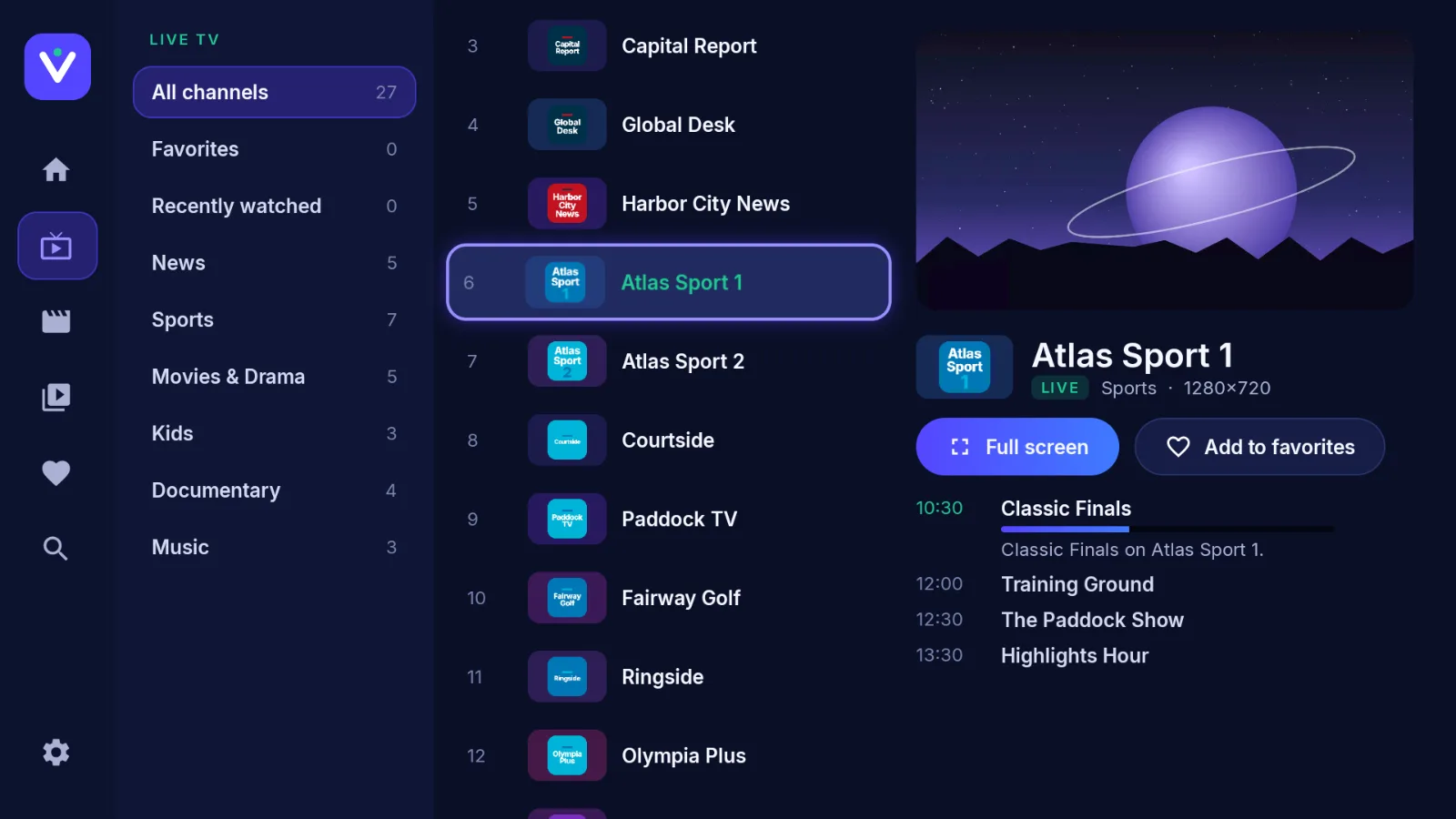
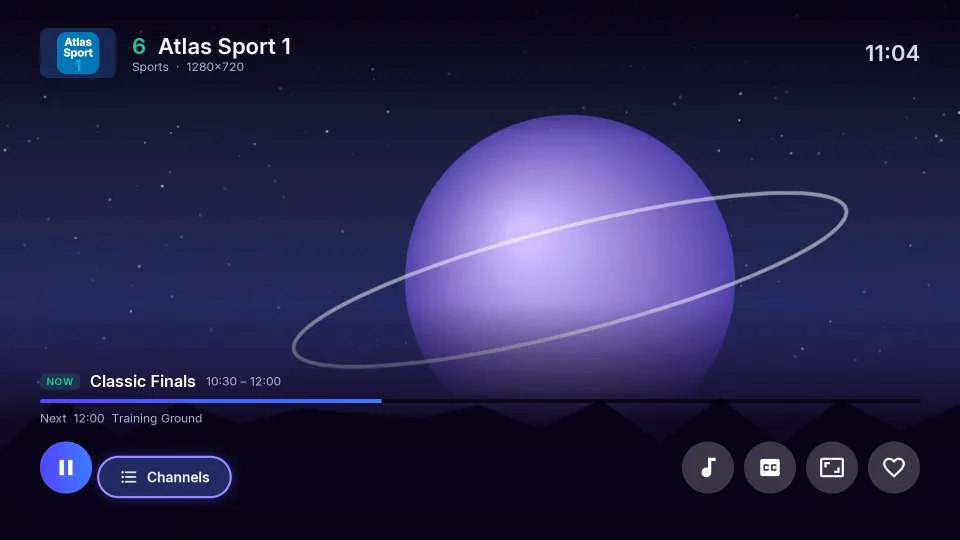
Every channel, with what's on now and next
Pick a category, scroll with the remote and see a live preview with the programme guide before you switch to full screen.
Screens shown with a demo playlist. Velio doesn't include channels, films or series.
Set up in about two minutes
- 1
Install Velio
Get the app for your TV, phone or Windows PC. The free trial starts on its own.
- 2
Note your code
Velio shows a 6-character device code and a PIN. They never change for that device.
- 3
Add your playlist
Paste your M3U link or Xtream login at velioplayer.com/playlist from your phone. No typing with a remote.
- 4
Activate when you're ready
Before the 7 days are up, enter the code here and pay once a year or once for good.
Built for the remote, at home on your phone
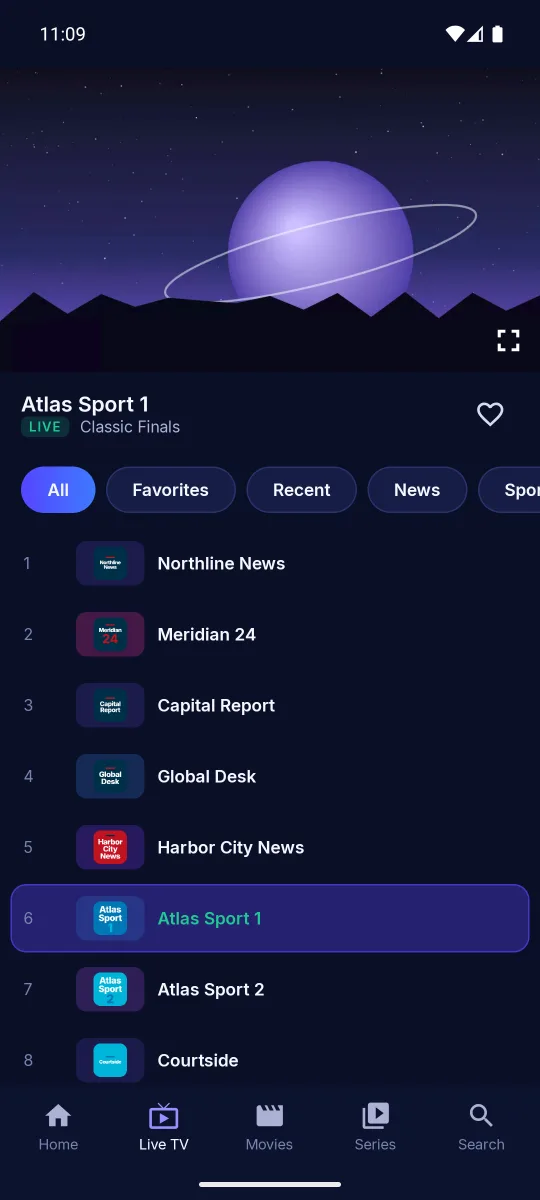
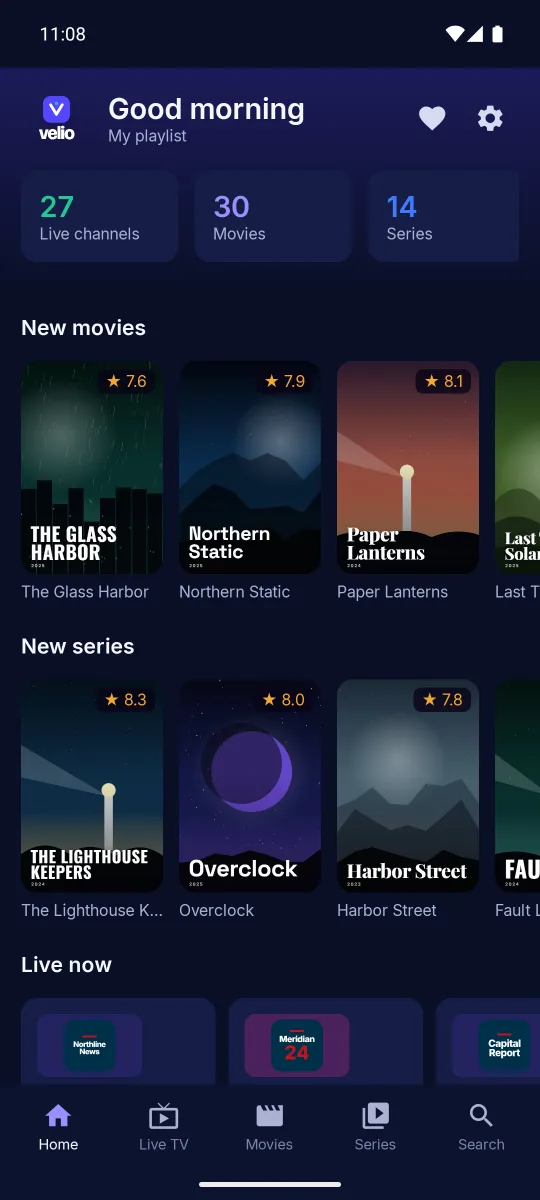
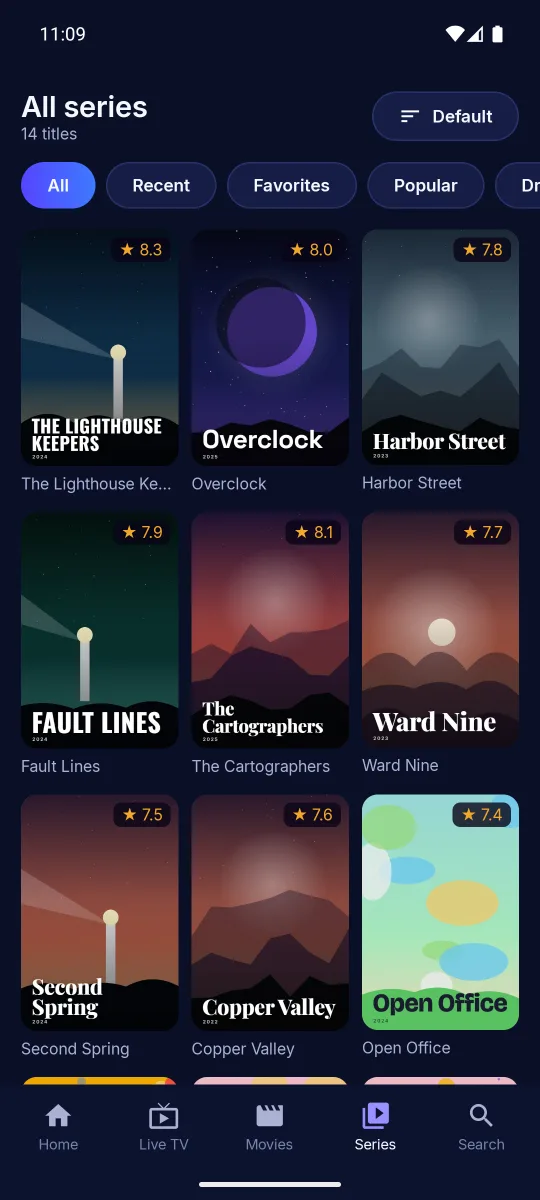
Big targets and clear focus on the TV. On phones and tablets the same app switches to touch, with tabs at the bottom.
- Live TV with a guide
- See what's on now and next for every channel, and jump between categories with the remote.
- Films and series
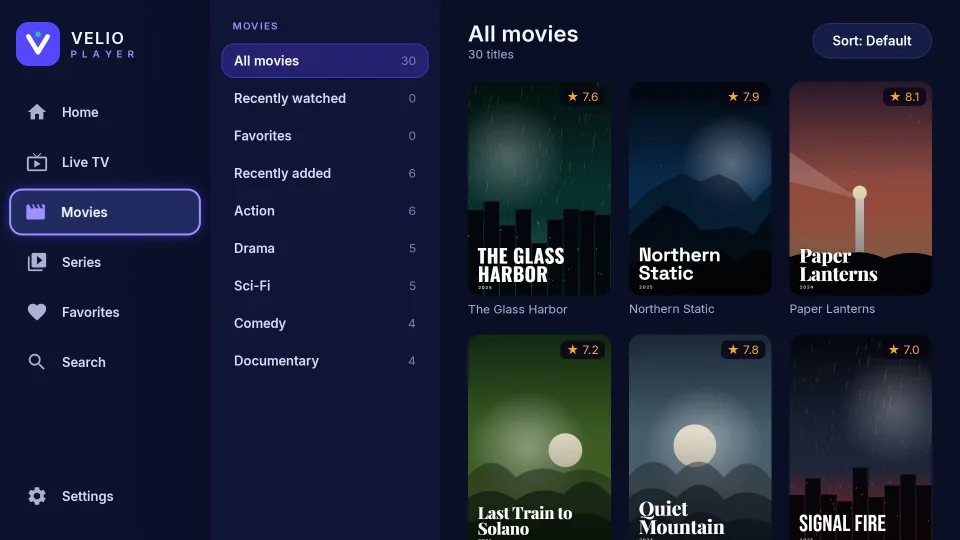
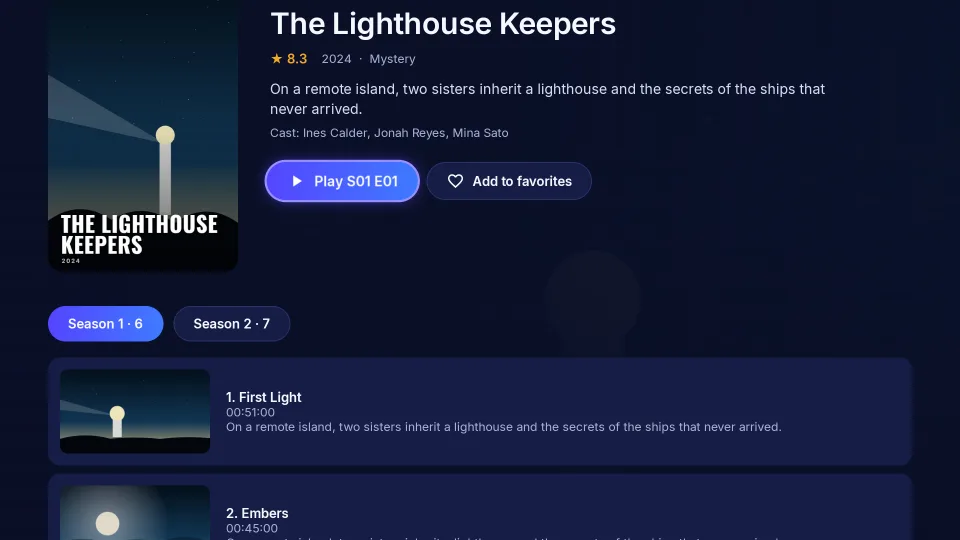
- Posters, plots and seasons laid out properly. Velio remembers where you stopped and picks up from there.
- Favourites and recents
- Pin the channels you watch most. Your recently watched list is one click from the home screen.
- Search everything
- One search box across live channels, films and series in the playlist.
- Subtitles and audio tracks
- Switch language or subtitles during playback, and set the subtitle size you can read from the sofa.
- More than one playlist
- Keep several playlists on one device and switch between them in settings.
One price per device
Try every feature free for 7 days. When you activate, the license belongs to that device: a TV and a phone are two devices.
One year
€7
per device, per year
Renew whenever you like. Time left on your current year carries over.
Activate for a yearLifetime
€15
per device, one payment
Pay once and keep every update for as long as the device runs Velio. Costs less than 3 years of the yearly plan.
Activate for lifePay with PayPal or any card through PayPal. You don't need a PayPal account, and you can try everything before you pay.
Questions
Does Velio come with channels?
No. Velio is only a player, the same way a video app doesn't come with videos. You need a playlist (an M3U link or Xtream login) from a provider, and you're responsible for having the right to watch what's in it.
Where do I find my device code?
Open Velio. The code and PIN are on the welcome screen and always in Settings. They're tied to that device and don't change, even after an update.
What happens when the trial ends?
Velio asks you to activate. Your playlists and favourites stay saved, so everything is back the moment you activate.
I bought a new TV. Can I move my license?
Email us with the old and new device codes and we'll move the license to the new device.
How do I pay?
With PayPal or a debit or credit card through PayPal. You don't need a PayPal account to pay by card.
The app says it isn't activated after I paid.
Close Velio and open it again; it checks the license on start. If it still shows the trial, make sure the code you paid for matches the code on the screen, then email us.
Try Velio on your TV tonight
Install it, add your playlist and use everything free for 7 days. Pay only if you want to keep it.